> For the complete documentation index, see [llms.txt](https://docs.codemash.io/llms.txt). Markdown versions of documentation pages are available by appending `.md` to page URLs; this page is available as [Markdown](https://docs.codemash.io/norbix-cloud/membership/policies.md).
# Policies
Managing Permissions with the Norbix Membership Module
The "Policies" submodule of the Norbix Membership module is used to manage the permissions available in your app or project. Policies are specific permissions that can be granted or revoked independently of a role.
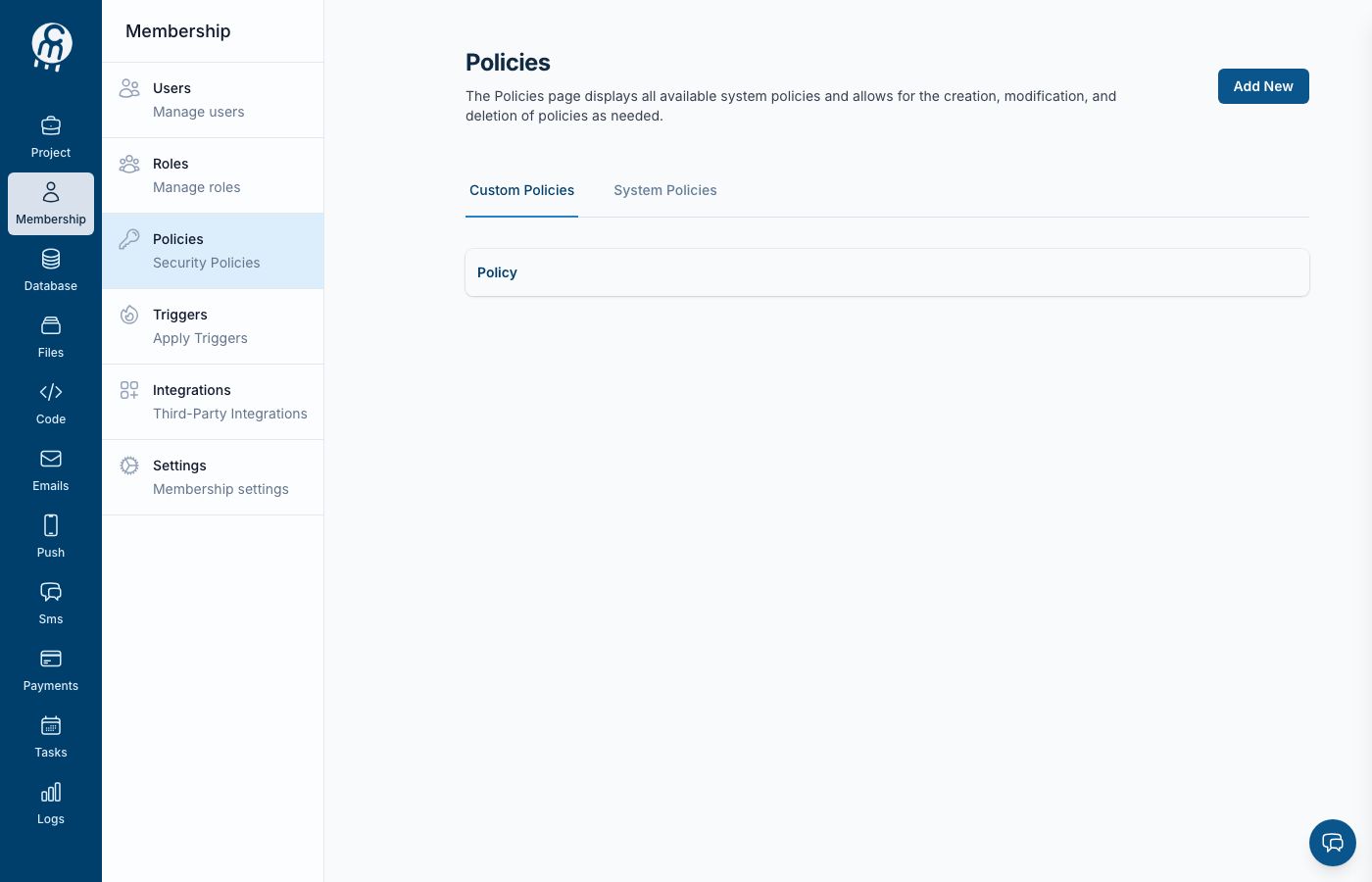
Policies — reusable permission sets attached to roles.
In the "Policies" submodule, you can define custom policies that are relevant to your app or use the built-in policies provided by the Membership module. You can also assign policies directly to a user or include them as part of a role. This allows you to fine-tune the access and privileges of your users and control what they can and cannot do within the app.
You can use the "Policies" submodule to manage the permissions available in your app. You can use the Membership module's user management features to assign policies to your users or include them as part of a role. This can be useful for controlling your users' access and privileges and ensuring that they have the appropriate level of access to the features and functionality of your app.
{% hint style="info" %}
When you enable an additional module or integration in Norbix, new functionality is added to the system. As part of this process, new permissions are automatically applied to system policies. These new permissions will be applied to registered users after the additional module or integration is enabled.
If you want to apply the new permissions to users who were already registered in the system, you can do so from the user profile page or using API or any SDK.
You can use custom roles and policies to manage user access if you do not want to apply the new permissions to newly registered users. By creating custom roles and policies, you can fine-tune the permissions granted to different groups of users and ensure that only the necessary permissions are applied.
{% endhint %}