> For the complete documentation index, see [llms.txt](https://docs.codemash.io/llms.txt). Markdown versions of documentation pages are available by appending `.md` to page URLs; this page is available as [Markdown](https://docs.codemash.io/norbix-cloud/database.md).
# Database
Create a database with No Code. You automatically will get access to the data in your collection over fully managed and secure https endpoints
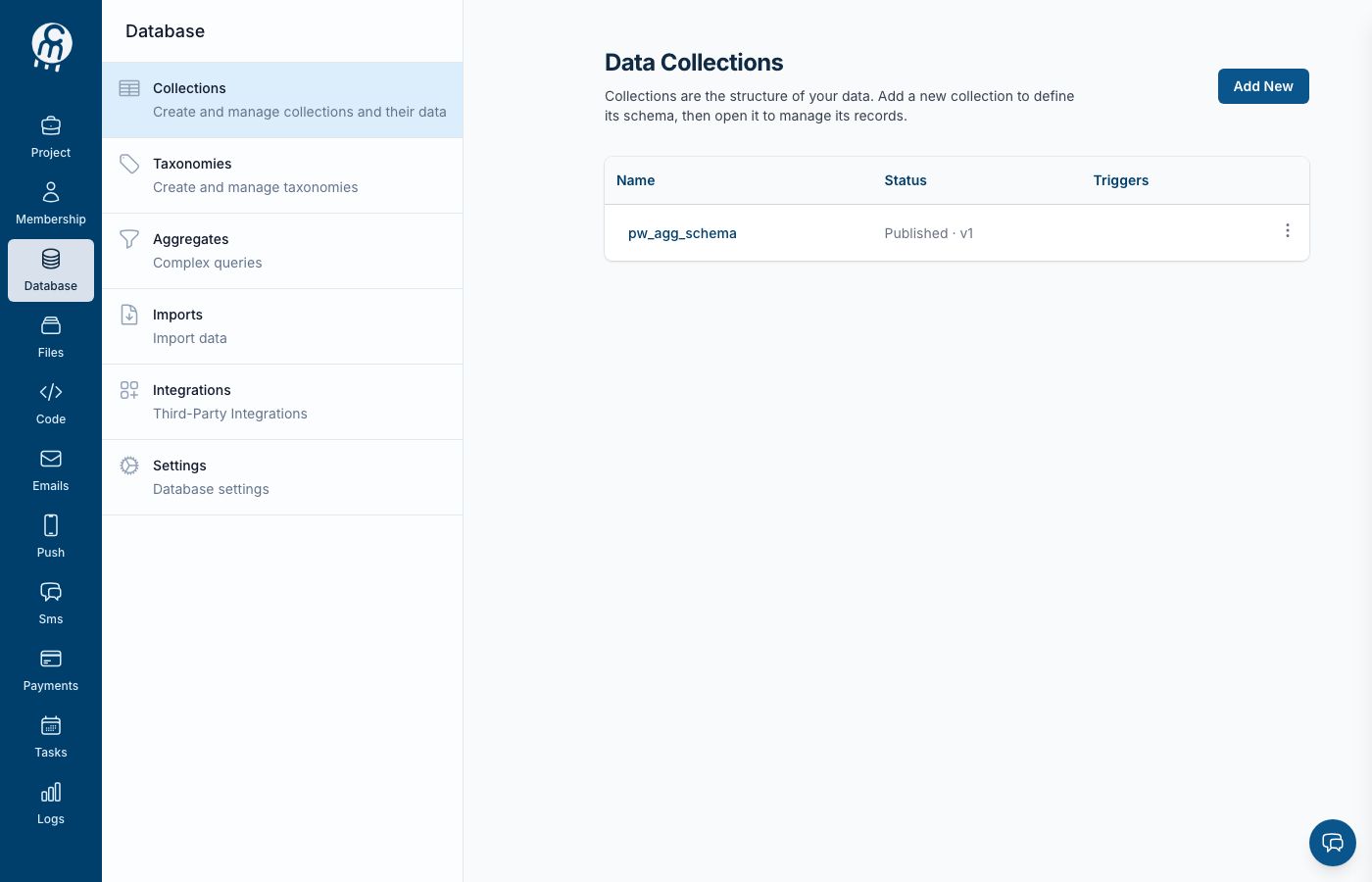
The Database module home — collections, schemas, and data tools for your project.
Norbix **Database** service provides many operations for database management like CRUD operations, schema builder, and data validation.
When you enable a database service in your [Norbix dashboard page](https://cloud.norbix.ai/) we create a new MongoDb database for you. When that is done you are able to create collections using our provided tools in the dashboard. After you create a collection you can start adding records through the dashboard or calling to API endpoints.
Features included in database service:
1. Collections - just like any database collection.
2. Taxonomies - special kind of collections used mostly for basic select type data.
3. Imports - importing records to collections.
4. Exports - exporting records from collections.
5. Backups - dumping and restoring collections.
## Using SDK
If you decide to use one of our provided SDK, the following code shows how to initialize database service.
{% tabs %}
{% tab title=".NET" %}
```csharp
var projectId = Guid.Parse("{YOUR_PROJECT_ID}");
var apiKey = "{YOUR_SECRET_KEY}";
var client = new NorbixClient(apiKey, projectId);
var service = new NorbixRepository(client);
```
Here **`Person`** is a class which extends the interface **`IEntity`**. The example below shows a class extending**`Entity`**class which extends**`IEntity`**interface. The attribute**`CollectionName`**is a helper for a client. It takes one parameter - the name of your collection in Norbix.
```csharp
[Collection("persons")]
public class Person : Entity
{
[Field("name")]
public string Name { get; set; }
}
```
Here `UniqueName` is an attribute that is used to set the unique name of a field (the name that is used inside a database). This name can be found in your collection, field details. If this attribute is not used, then your field will be serialized and deserialized as a lowercase property name.
{% endtab %}
{% tab title="Node" %}
```javascript
import { db } from '@norbix.ai/ts';
```
{% endtab %}
{% tab title="PHP" %}
```php
$secretKey = '{YOUR_SECRET_KEY}';
$projectId = '{YOUR_PROJECT_ID}';
$client = new NorbixClient($secretKey, $projectId);
$norbixDb = new NorbixDb($client);
```
{% endtab %}
{% endtabs %}
The following are examples of database [SDK](https://docs.norbix.ai/sdks) using different languages and frameworks.
{% tabs %}
{% tab title=".NET" %}
```csharp
using System;
using Norbix.Client;
using Norbix.Repository;
using MongoDB.Driver;
namespace ConsoleApplication
{
[CollectionName("persons")]
public class Person : Entity
{
public string Name { get; set; }
}
class Program
{
static void Main(string[] args)
{
// 1. Get your Project ID and Secret Key
var projectId = Guid.Parse("{YOUR_PROJECT_ID}");
var apiKey = "{YOUR_SECRET_KEY}";
// 2. Create a general client for API calls
var client = new NorbixClient(apiKey, projectId);
// 3. Create a service object
var dbService = new NorbixRepository(client);
// 4. Call an API method
var filter = Builders.Filter.Eq(x => x.Name, "John");
var result = dbService.Find(filter);
}
}
}
```
{% endtab %}
{% tab title="Node" %}
```javascript
export async function getHolidaysOfEmployee(userId) {
const filter = JSON.stringify({
application_user: userId,
status: 'Approved',
});
// gets first 100 records - all approved holidays sorted out by start date
const response =
await db.getRecords('holidays', 0, 100, { start: -1 }, filter);
return response;
}
```
{% endtab %}
{% tab title="PHP" %}
```php
use Norbix\NorbixClient;
use Norbix\NorbixDb;
class NorbixService
{
protected NorbixDb $norbixDb;
protected string $collectionName = '{YOUR_COLLECTION_NAME}';
public function __construct()
{
$secretKey = '{YOUR_SECRET_KEY}';
$projectId = '{YOUR_PROJECT_ID}';
$client = new NorbixClient($secretKey, $projectId);
$this->norbixDb = new NorbixDb($client);
}
public function getEmployees()
{
$responseData = $this->norbixDb->findMany([
'collectionName' => 'employees',
'filter' => [
'address' => 'New York',
],
]);
}
}
```
{% endtab %}
{% endtabs %}
## Working with Database Service
The following links explore the usage of database service:
{% content-ref url="/pages/-LxWWU9Fl2PNhRkLGlLX" %}
[Collections](/norbix-cloud/database/collections.md)
{% endcontent-ref %}
{% content-ref url="/pages/-LxWa5QKQqAWXsYmnJGv" %}
[Taxonomies](/norbix-cloud/database/taxonomies.md)
{% endcontent-ref %}
{% content-ref url="/pages/-LwyjJHE1BUATUyGgyMv" %}
[Imports](/norbix-cloud/database/imports.md)
{% endcontent-ref %}
{% content-ref url="/pages/-LwyjJdr\_tdX29NIj8a-" %}
[Exports](/norbix-cloud/database/exports.md)
{% endcontent-ref %}
{% content-ref url="/pages/-LwyjK-9HhVwF2u10Y0L" %}
[Backups](/norbix-cloud/database/backups.md)
{% endcontent-ref %}
***
## Use it from code
Everything you can do on this screen is also available programmatically — same module, same permissions, same audit trail.
| Channel | Where to go |
| ------------ | ------------------------------------------------------------------------------------------------------------------------------------------------------------------------------------------------------------------------------------------------------------------------------------------------------------------------------------------------------------------------------------------------------------------------------------------------------------------------------------------------------------------------------------------------------------------------------------------------------------------------------------------------------------------------------------------------ |
| **SDKs** | [JavaScript / TypeScript](https://github.com/Isidos-co/codemash-docs/tree/main/sdk/javascript-typescript.md) · [Python](https://github.com/Isidos-co/codemash-docs/tree/main/sdk/python.md) · [.NET](https://github.com/Isidos-co/codemash-docs/tree/main/sdk/net.md) · [Go](https://github.com/Isidos-co/codemash-docs/tree/main/sdk/go-lang.md) · [Dart / Flutter](https://github.com/Isidos-co/codemash-docs/tree/main/sdk/flutter.md) · [Swift](https://github.com/Isidos-co/codemash-docs/tree/main/sdk/swift.md) · [Kotlin](https://github.com/Isidos-co/codemash-docs/tree/main/sdk/kotlin.md) · [React / Redux](https://github.com/Isidos-co/codemash-docs/tree/main/sdk/react-redux.md) |
| **REST API** | [Collections API](https://github.com/Isidos-co/codemash-docs/tree/main/api/database/collections/README.md) · [Taxonomies API](https://github.com/Isidos-co/codemash-docs/tree/main/api/database/taxonomies/README.md) |
| **AI / MCP** | Work with this module from Claude, Cursor, or any AI tool — see [MCP Server](/ai/mcp-server.md) |