> For the complete documentation index, see [llms.txt](https://docs.codemash.io/llms.txt). Markdown versions of documentation pages are available by appending `.md` to page URLs; this page is available as [Markdown](https://docs.codemash.io/cloud/tasks.md).
# Tasks
Cron-driven recurring tasks through the same pipeline as every endpoint.
The **Tasks** module (Scheduler) runs recurring work on a cron schedule — through the same command pipeline as every other Norbix endpoint, so a scheduled task is validated and gated exactly like a live call.
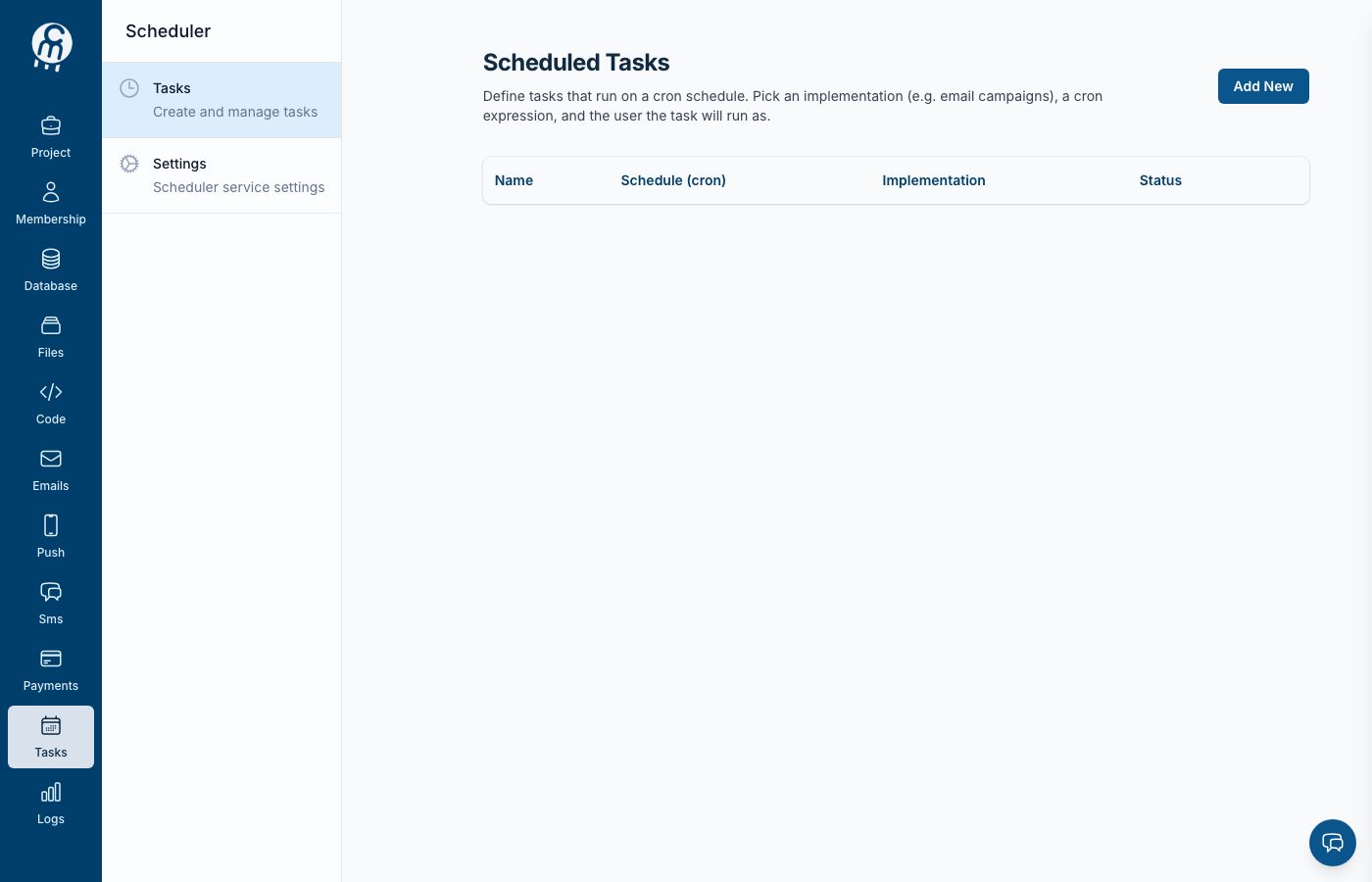
The Tasks module home.
When the module is off, the module home (`/projects//tasks`) shows the **Norbix Tasks** enable page. Press **Enable** and you land on the Tasks list, ready to add the first task.
## Screens in this module
[**Tasks**](/cloud/tasks/tasks.md) — the scheduled tasks: create, edit, enable, disable, delete. [**Settings**](/cloud/tasks/settings.md) — turn the module off.
A task pairs a cron expression with an implementation — what the schedule runs. Today the **email campaign** implementation is available; push, SMS, code function and webhook calls are listed in the editor as coming soon.
## Use it from code
[Scheduler](/sdks-and-cli/scheduler.md).
## API reference
Endpoints: [Scheduler](/api-reference/scheduler.md).