> For the complete documentation index, see [llms.txt](https://docs.codemash.io/llms.txt). Markdown versions of documentation pages are available by appending `.md` to page URLs; this page is available as [Markdown](https://docs.codemash.io/cloud/push.md).
# Push
The Push channel — templates, campaigns, devices, and delivery.
> Send notifications straight to your users' phones and browsers, one at a time or as a bulk campaign.
*Last updated 2026-09-11 · Applies to any project with the Push module enabled*
## Why it exists
Email and SMS reach an address; push reaches a **device**. A phone or browser first asks its platform (Apple, Google, Mozilla, Microsoft) for a push token, your app hands that token to Norbix, and from then on you can notify the person without knowing their email or phone number. Push is part of Norbix's unified messaging system: the same template engine and the same token binding as Email and SMS, so a message you already know how to write in one channel works the same way here.
## When you'd use it
* A delivery app tells one customer "your order is on its way" the moment the status changes.
* A shop sends every user with the `subscriber` role a launch announcement on the same morning.
* A browser game pings players who have not opened it for a week.
## Where to find it
Project → **Push**.
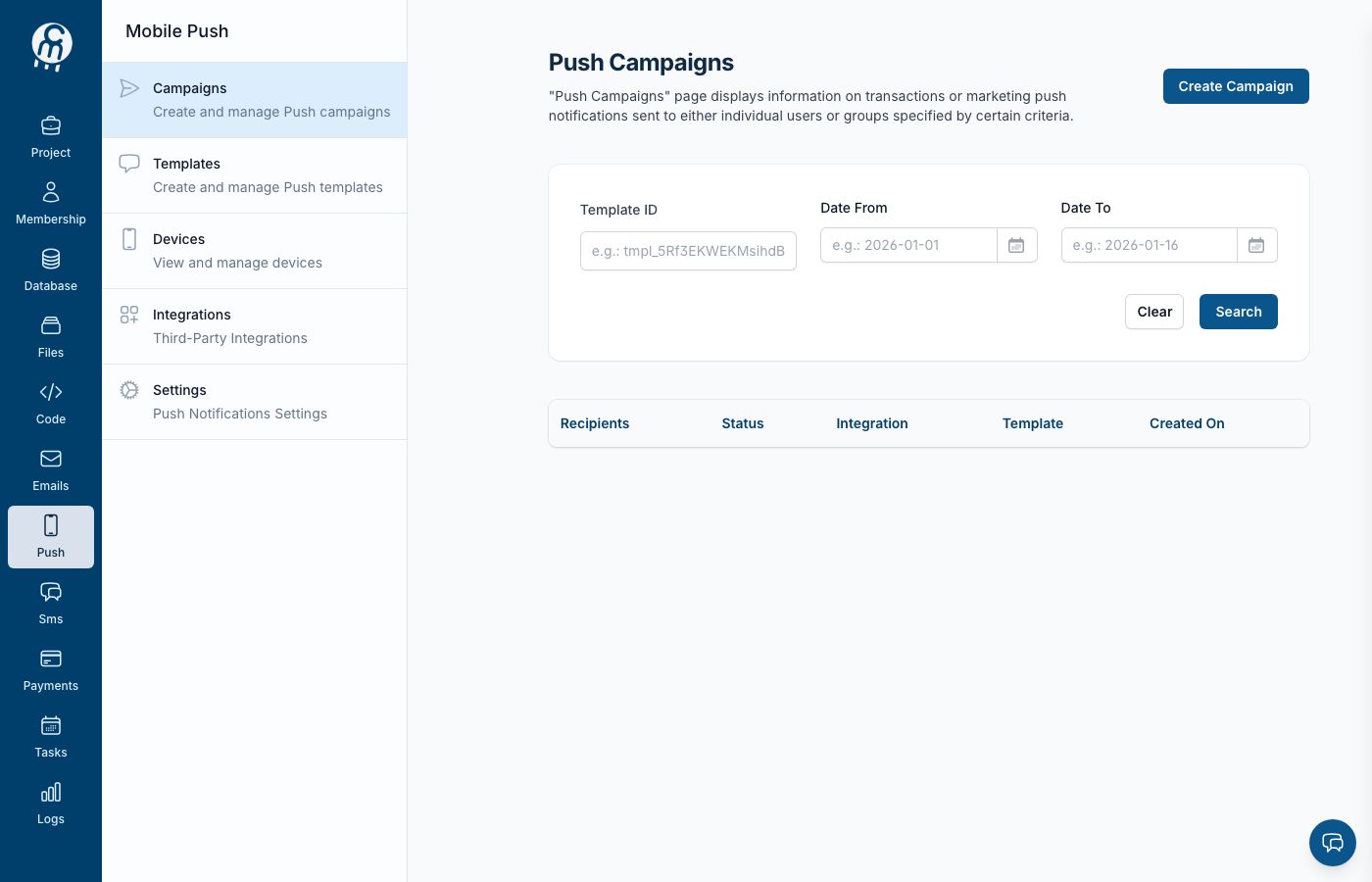
The Push channel home.
## How to turn it on
Requires a role that carries `…:notifications:push:enable` — normally **Owner** or **Admin**.
1. Open **Project → Push**. If the module is off, the page shows a short explanation and an **Enable** button.
2. Click **Enable**. The module turns on for the project and the Push menu appears with its five screens.
3. Add a delivery provider — see [Integrations](/cloud/push/integrations.md). Nothing can be sent until one provider exists and is set as the default for the environment.
4. Write your first [template](/cloud/push/templates.md), then either send it from a [campaign](/cloud/push/campaigns.md) or fire it from a trigger.
**What "on" looks like:** the Push home stops offering **Enable** and the sidebar shows Templates, Campaigns, Devices, Integrations and Settings.
## Screens in this channel
| Screen | What it is for |
| ------------------------------------------- | --------------------------------------------------- |
| [Templates](/cloud/push/templates.md) | The message content — title, body, platform options |
| [Campaigns](/cloud/push/campaigns.md) | Bulk sends to a chosen audience |
| [Devices](/cloud/push/devices.md) | The registered receivers |
| [Integrations](/cloud/push/integrations.md) | The delivery providers (APNs, FCM, web push, Fake) |
| [Settings](/cloud/push/settings.md) | Turn the module off again |
## Good to know
* Push has two pieces the other channels do not: **devices** and **platform providers**. A user with no registered device cannot be reached by push, however many roles they have.
* Turning the module off stops triggers, scheduled campaigns and in-flight sends. Templates and integrations stay saved — see [Settings](/cloud/push/settings.md).
* For trying things out without touching Apple or Firebase, use the built-in [Fake (Test Me)](/cloud/push/integrations/providers/fake.md) provider. It accepts everything and delivers nothing.
* Defaults are per environment, so a provider set as default for LIVE is not automatically the default for your test environment.
## Do it in code
{% tabs %}
{% tab title="JavaScript / TypeScript" %}
```ts
import { Norbix } from '@norbix.ai/ts';
const norbix = new Norbix();
await norbix.hub.notifications.enablePush({ projectId: '' });
```
{% endtab %}
{% tab title="Python" %}
```python
from norbix_python import NorbixHub
norbix = NorbixHub()
norbix.notifications.enable_push(projectId="")
```
{% endtab %}
{% tab title="Go" %}
```go
c, _ := norbix.New(norbix.Options{})
var out map[string]any
err := c.Hub.Notifications.EnablePush(ctx, map[string]any{
"projectId": "",
}, &out)
```
{% endtab %}
{% tab title=".NET" %}
The .NET SDK ships the push request types but not the push client methods yet, so there is no `client.Notifications.EnablePushAsync(...)` to call today. Use the REST endpoint below from .NET until it lands.
{% endtab %}
{% endtabs %}
Full reference: [SDK → Notifications → Push](/sdks-and-cli/notifications/push.md) · [Enable Push](/sdks-and-cli/notifications/push/enable-push.md) CLI: `norbix push templates`, `norbix push campaigns` (see each screen for the rest).
## API reference
Endpoints: [Notifications → Push](/api-reference/notifications/push.md), [Enable Push](/api-reference/notifications/push/enable-push.md), [Disable Push](/api-reference/notifications/push/disable-push.md), [Get Push Settings](/api-reference/notifications/push/get-push-settings.md).
## Related
[Email](/cloud/emails.md) · [Tokens binding](/other-topics/tokens-binding.md) · [Triggers](/other-topics/triggers.md)