> For the complete documentation index, see [llms.txt](https://docs.codemash.io/llms.txt). Markdown versions of documentation pages are available by appending `.md` to page URLs; this page is available as [Markdown](https://docs.codemash.io/cloud/logs.md).
# Logs
Observability across your project — every module writes here.
**Logs & Monitoring** provides observability across your project — structured logging, error tracking, and an audit trail. Every other module writes to it automatically, so this is where you look when something did not do what you expected.
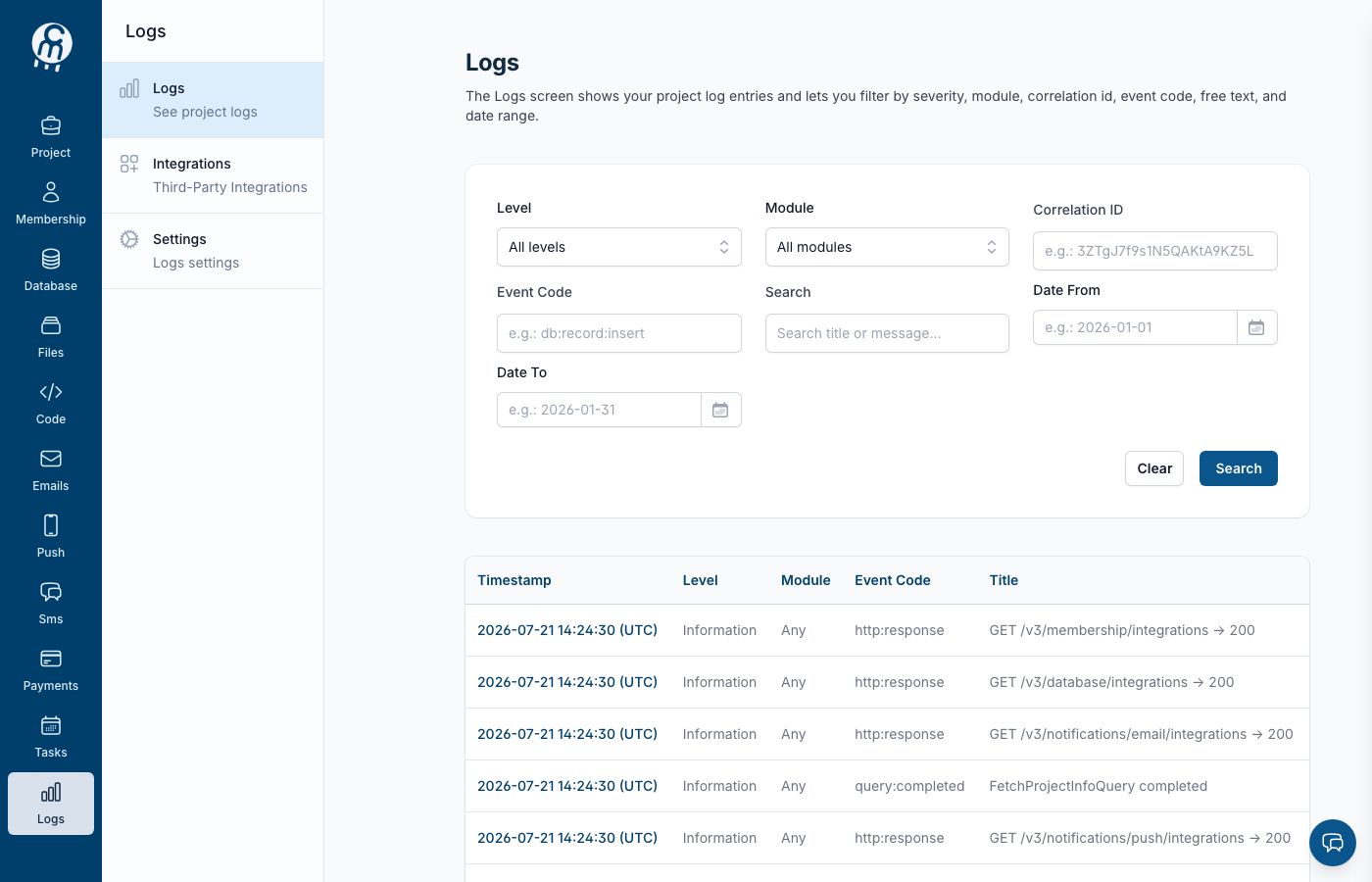
The Logs module home.
## Screens in this module
* [**Logs**](/cloud/logs/logs.md) — browse and filter the entries; open one to see the [full request flow](/cloud/logs/logs/details.md).
* [**Integrations**](/cloud/logs/integrations.md) — forward logs to external systems, or store them in your own database with Norbix Logging.
* [**Settings**](/cloud/logs/settings.md) — noise filters, the clean-all action, and disabling the module.
## Enabling the module
Logging is opt-in. The first time you open `/projects//logging` you get the enable page ("Norbix Logs") with an **ENABLE LOGS** button. On first enable, a checkbox **Save logs to my default database** creates a **Norbix Logging** integration backed by your project's default database, so entries show up right here in the dashboard. Without it (or without a default database), the module is on but nothing is captured until you add a logging integration. Re-enabling later keeps your existing integrations and resumes forwarding.
## Use it from code
[Logs & Monitoring](/sdks-and-cli/logs.md).
## API reference
Endpoints: [Logs & Monitoring](/api-reference/logs.md).