> For the complete documentation index, see [llms.txt](https://docs.codemash.io/llms.txt). Markdown versions of documentation pages are available by appending `.md` to page URLs; this page is available as [Markdown](https://docs.codemash.io/cloud/code.md).
# Code
Serverless functions — the extensibility point of Norbix.
The **Code** module runs your custom backend logic as serverless functions — validation, integrations, data transforms, business rules — invoked from HTTP calls, module events (triggers), or schedules. It is the extensibility point of Norbix: when a built-in module is not enough, you write a function.
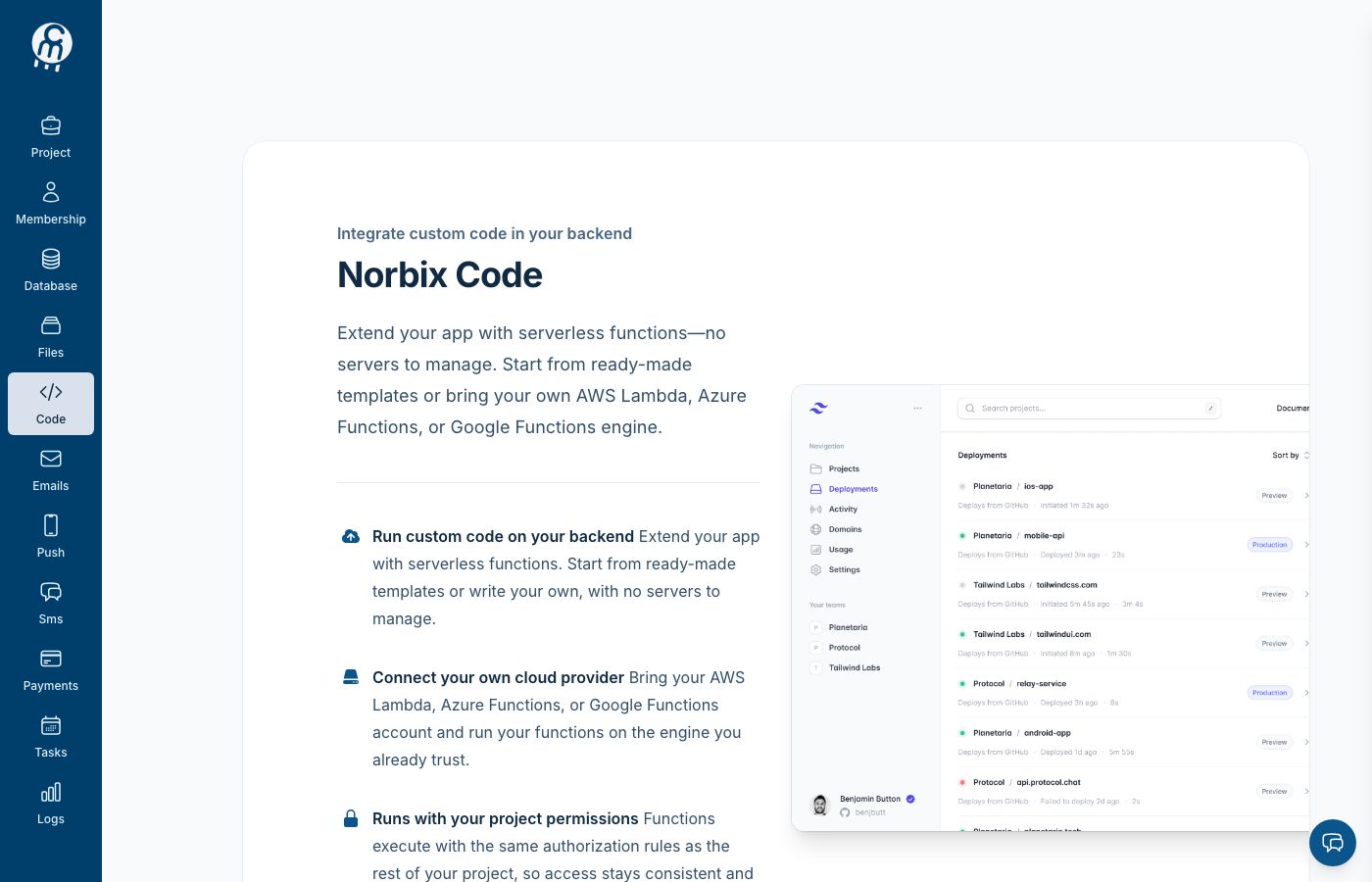
The Code module (not yet enabled in this project).
## What you can do here
Before the module is enabled, `/projects//code` shows the **Norbix Code** enable screen. It lists what you get — run custom code on your backend, connect your own cloud provider (AWS Lambda, Azure Functions, Google Cloud Functions), functions that run with your project permissions — and one **Enable module** action. Enabling redirects you to the Functions list.
Once enabled, the module has four areas:
* [Functions](/cloud/code/functions.md) — the project's serverless functions (id prefix `cf_`).
* [Marketplace](/cloud/code/marketplace.md) — a catalog of vendor connectors (Slack, Salesforce, CRMs, ERPs) and Norbix built-ins, exposed as ordinary callable functions.
* [Integrations](/cloud/code/integrations.md) — the serverless providers your functions run on: AWS Lambda, Azure Functions, Google Cloud Functions.
* [Settings](/cloud/code/settings.md) — disable the module.
## Use it from code
[Code](/sdks-and-cli/code.md) in the SDK reference.
## API reference
Endpoints: [Code](/api-reference/code.md).